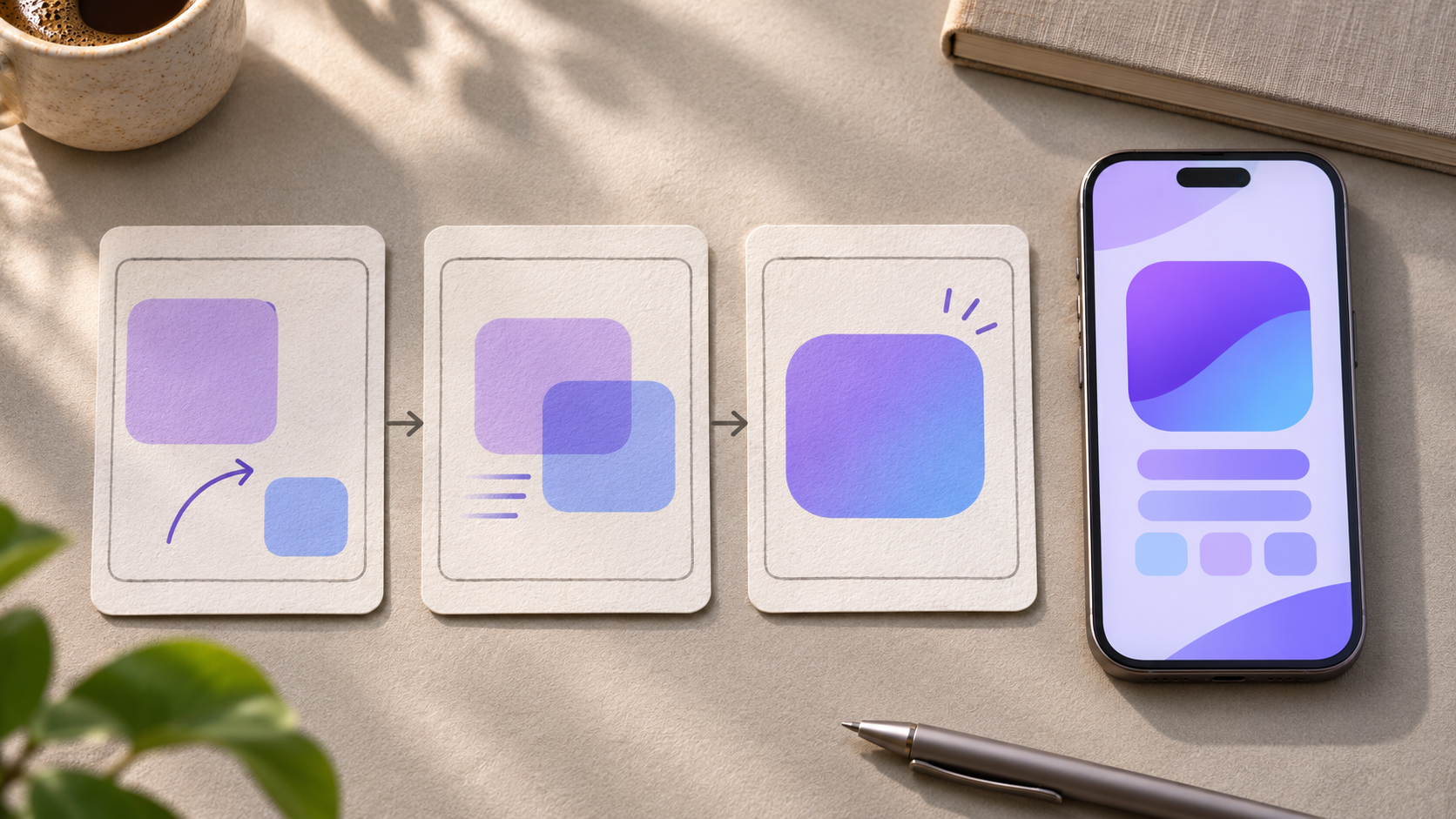
A good app demo answers one question: what can I do here? Instead of touring every tab, pick one task a new viewer can recognize. In this fictional example, an office worker needs a room for a 2 p.m. meeting. The whole demo follows that booking.
Shot 1: Give the viewer a reason to watch
Start just before the action. Show the room picker with 2 p.m. selected, so viewers know what the person is trying to do. A short caption such as “Need a room at 2?” can set the scene. Skip the splash screen unless opening the app is part of the task.
Shot 2: Show the action that makes the difference
Frame the available slot and the booking button. Leave enough time to read both before showing the tap. If the real flow requires choosing a room before confirming, show both actions. You can cut a pause or loading screen, but don’t edit out a step the user will actually have to take.
Shot 3: Hold the result long enough to read it
Show the confirmation with the fictional room name and booking time. Cut once the viewer can tell what happened, rather than moving straight to a logo. Record with sample data and check the edges of each shot for notifications, email addresses or names you didn’t intend to show.
Test the pace on a phone
Watch the draft once on a phone with the sound off. Can you tell what the person needed, what they tapped and whether it worked? If you miss the tap, give it more time. If you have to squint at the confirmation, crop closer. Ask someone who hasn’t used the app to describe what happened after one viewing. Revise the shot they couldn’t explain.
Have a screen or idea to turn into a video? See how Tween works.